When the Assistant creates a Word document for you, Brokernote formats it with your organisation's document styles, so the result looks consistent.
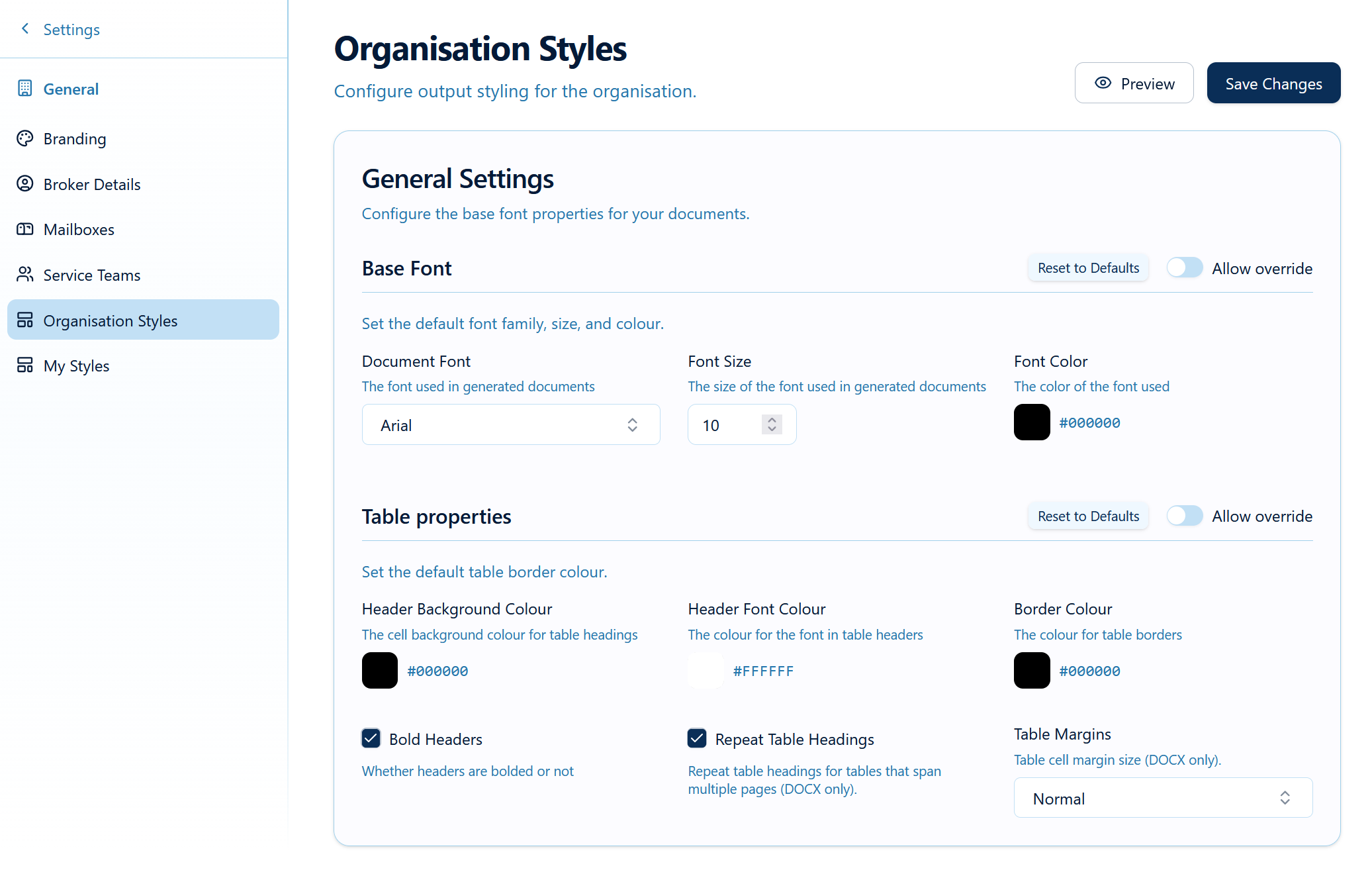
Set up your organisation's document styles (Admin)
- Go to Settings → General → Organisation Styles.
- Set the font, base font size and font colour.
- Set your heading styles (size, colour, weight for each heading level).
- Set your table styling (header colours, borders).
- Decide which settings users may override in My Styles.
- Save.
These are the same style settings the Schedule Reformatter uses, so Reformatter output and Assistant documents match.
Was this article helpful?
That’s Great!
Thank you for your feedback
Sorry! We couldn't be helpful
Thank you for your feedback
Feedback sent
We appreciate your effort and will try to fix the article